Pluma

Pluma is the official text editor for the MATE desktop. While designed to be simple and easy to use, it is a capable general-purpose editor suitable for programming, configuration editing, and writing. Its plugin system allows advanced features to be added on demand.
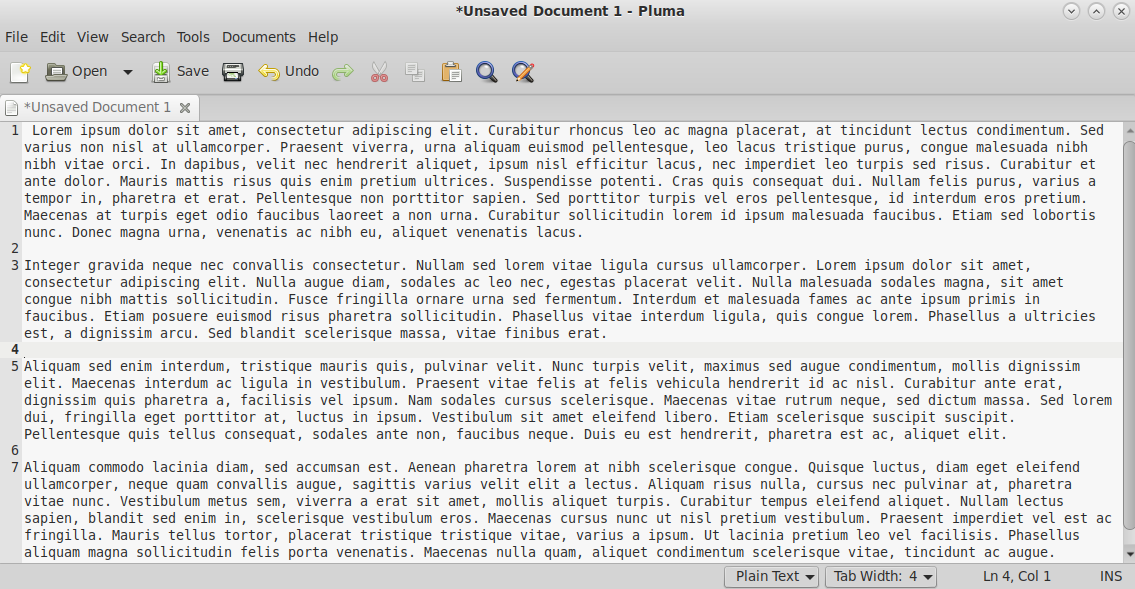
Features
- Syntax highlighting — for dozens of programming and markup languages
- Multiple documents — open files as tabs in a single window
- Search and replace — with full regular expression (PCRE) support
- Auto-indentation — keeps indentation level when pressing Enter
- Bracket matching — highlights matching parentheses and braces
- Line numbers — toggle in the gutter
- Current line highlight — visually marks the active line
- Text wrapping — configurable soft and hard wrap modes
- Plugin system — extend with spell check, snippets, file browser, terminal, and more
Keyboard Shortcuts
| Action | Shortcut |
|---|---|
| New file | Ctrl+N |
| Open file | Ctrl+O |
| Save | Ctrl+S |
| Save as | Ctrl+Shift+S |
| Find | Ctrl+F |
| Find and replace | Ctrl+H |
| Go to line | Ctrl+I |
| New tab | Ctrl+T |
| Close tab | Ctrl+W |
| Comment/uncomment | Ctrl+M / Ctrl+Shift+M |
Last updated on • mbkma