Mozo

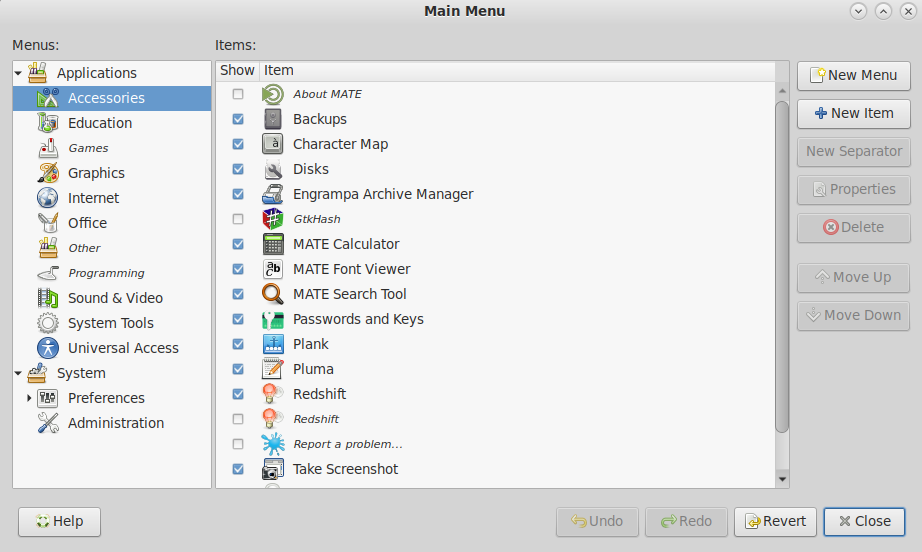
Mozo is the official menu editor for the MATE desktop. It provides a graphical interface for customizing the application menu, following the freedesktop.org menu specification. It is a fork of Alacarte.
Open it from System → Preferences → Main Menu or by right-clicking the Applications menu and choosing Edit Menus.
Features
- Show and hide entries — toggle the visibility of any application without deleting it
- Add new items — create launchers for applications, links, or scripts
- Edit existing entries — change name, icon, command, and description
- Reorder items — drag entries within a menu to rearrange them
- Create submenus — add new categories and nest them within existing ones
- Undo and redo — revert accidental changes
- Changes are stored in the user’s
~/.local/share/applicationsand~/.config/menusdirectories and do not affect system-wide menu files
Last updated on • mbkma