MATE Terminal

MATE Terminal is the official terminal emulator for the MATE desktop. It provides access to a UNIX shell within the graphical environment, with support for multiple sessions, customizable appearance, and configurable key bindings.
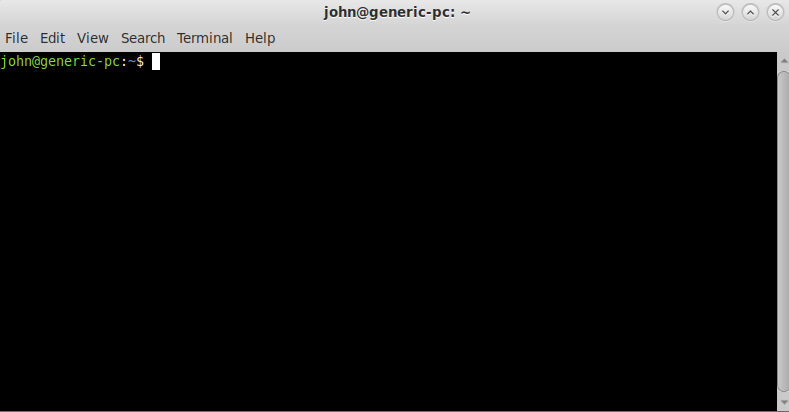
Features
- Multiple tabs and windows — run several shell sessions side by side
- Profiles — save different configurations (colors, fonts, shell, working directory) as named profiles
- Color schemes — built-in palettes plus full custom foreground/background color support
- Transparent background — configurable background transparency
- Clickable URLs — open links directly from the terminal output
- Custom key bindings — remap any terminal shortcut
- Encoding support — switch character encoding per-session
- Bell control — visual or audible bell, or silence it entirely
Keyboard Shortcuts
| Action | Shortcut |
|---|---|
| New tab | Ctrl+Shift+T |
| New window | Ctrl+Shift+N |
| Close tab | Ctrl+Shift+W |
| Next tab | Ctrl+Page Down |
| Previous tab | Ctrl+Page Up |
| Copy | Ctrl+Shift+C |
| Paste | Ctrl+Shift+V |
| Find | Ctrl+Shift+F |
| Zoom in | Ctrl++ |
| Zoom out | Ctrl+- |
| Reset zoom | Ctrl+0 |
| Full screen | F11 |
Last updated on • mbkma