Control Center

The MATE Control Center is the central place to configure your desktop. It provides a unified launcher for all system and personal preference panels, grouped by category.
Open it from System → Control Center in the panel menu.
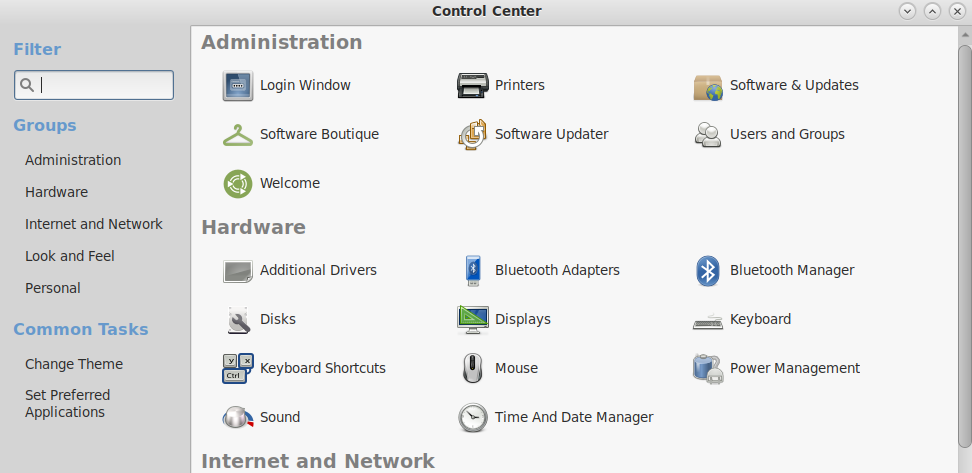
Categories
Personal
- About Me — user name, contact info, and profile photo
- Preferred Applications — default browser, email client, and terminal
- Startup Applications — programs that launch automatically at login
Look and Feel
- Appearance — GTK theme, window borders, icons, and fonts
- Screensaver — idle time, screensaver selection, and lock settings
- Windows — window behavior, focus mode, and compositing
Hardware
- Displays — monitor resolution, orientation, and multi-monitor layout
- Keyboard — layout, repeat rate, and accessibility settings
- Mouse — pointer speed, button configuration, and touchpad options
- Sound — volume levels and sound theme
- Power Management — battery, display sleep, and suspend settings
Administration
- Time and Date — system clock and timezone
- Users and Groups — manage local user accounts
Last updated on • mbkma