Calculator

MATE Calculator is the official calculator for the MATE desktop. It is designed to be usable entirely with the keyboard or the mouse, with a visual layout similar to a physical hand-held calculator.
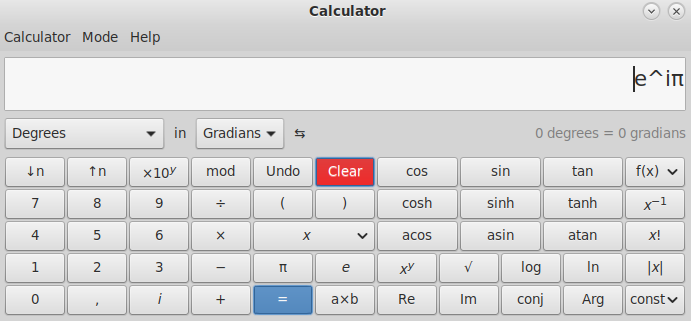
Modes
| Mode | Description |
|---|---|
| Basic | Everyday arithmetic: addition, subtraction, multiplication, division |
| Advanced | Trigonometry, logarithms, factorials, modulo, and more |
| Financial | Compound interest, present/future value, and loan calculations |
| Programming | Bitwise operations, hex/octal/binary input and display |
Features
- Switch between modes at any time without losing your current calculation
- Full keyboard input — type expressions naturally
- History of previous calculations
- Support for brackets and operator precedence
- Copy result to clipboard with Ctrl+C
Last updated on • mbkma